Bug Reports & Diagnostics
Report a Bug
If you hit a bug, send us a bug report. A bug report includes your description of the problem and diagnostic data (thread state, client logs, and settings) that helps us fix it.
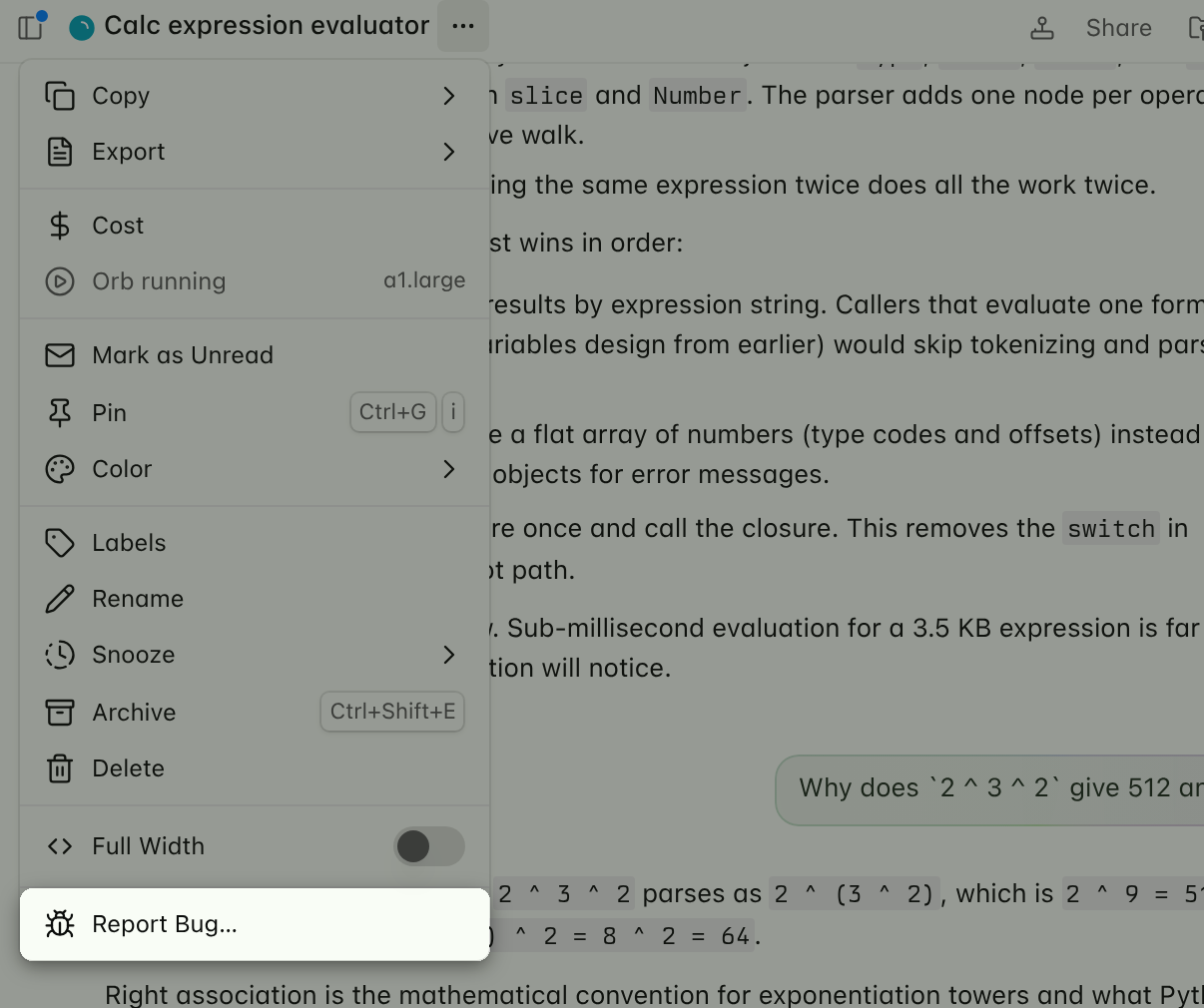
To report a bug from ampcode.com or the macOS or iOS app:
- Open the menu in the thread title bar.
- Select Report Bug….
- Describe the bug and submit.
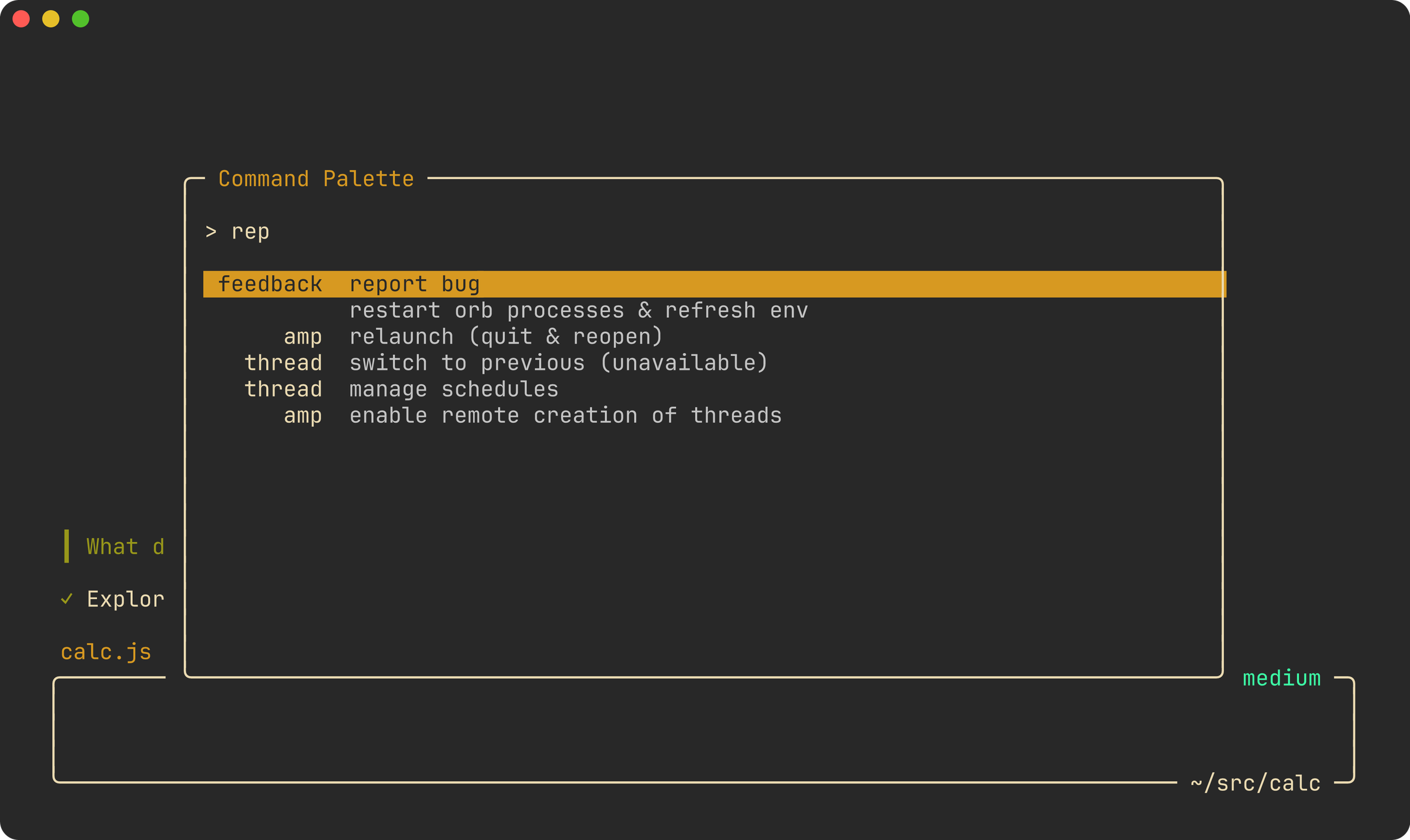
In the Amp CLI, open the command palette (Ctrl+O), select feedback: report bug,
describe the bug, and submit.
For an amp --no-tui runner, press Ctrl+R. You can also report a bug after the runner
has stopped by running this command in the runner directory:
amp report-bug "describe the bug"In an orb, the same command reports the orb’s thread, so you can ask the agent to send the report for you.
amp report and amp diagnostics are aliases for amp report-bug.
Your report goes directly to the Amp team, so you do not need to copy or send a report ID. If we need more details or have an update, we reply by email. Diagnostic data is deleted after 7 days.
Send Feedback or a Feature Request
To send us feedback or a feature request, tell Puck. You can include a link to a thread.
Report a Voice Dictation Problem
On ampcode.com, open the command palette and select Open Dictation Diagnostics. Choose a
recording, then select Upload Report.